


Vector 3D
Calilantern Calibration Tool Mk2
Calilantern Calibration Tool Mk2
Couldn't load pickup availability
About Calilantern Calibration Tool Mk2
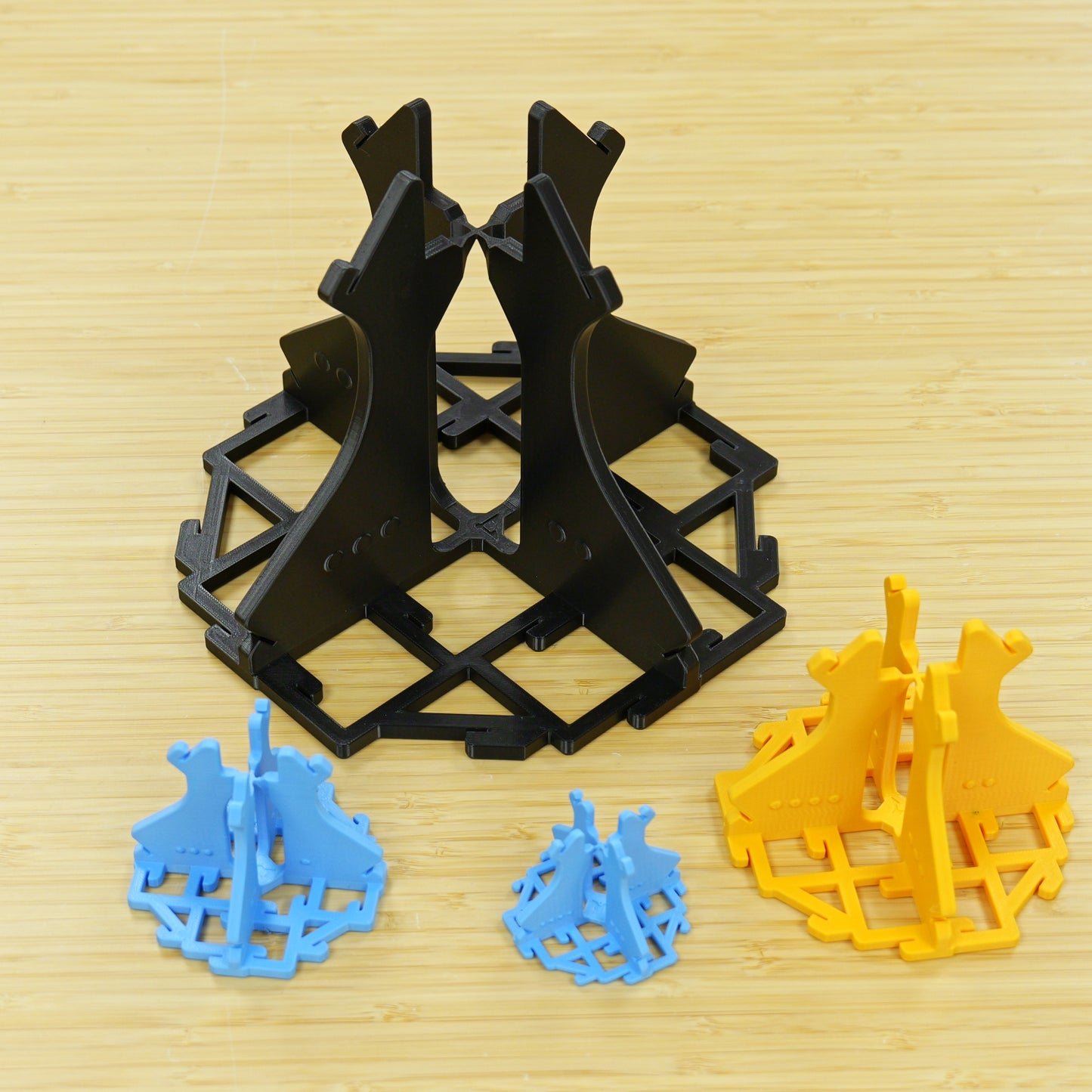
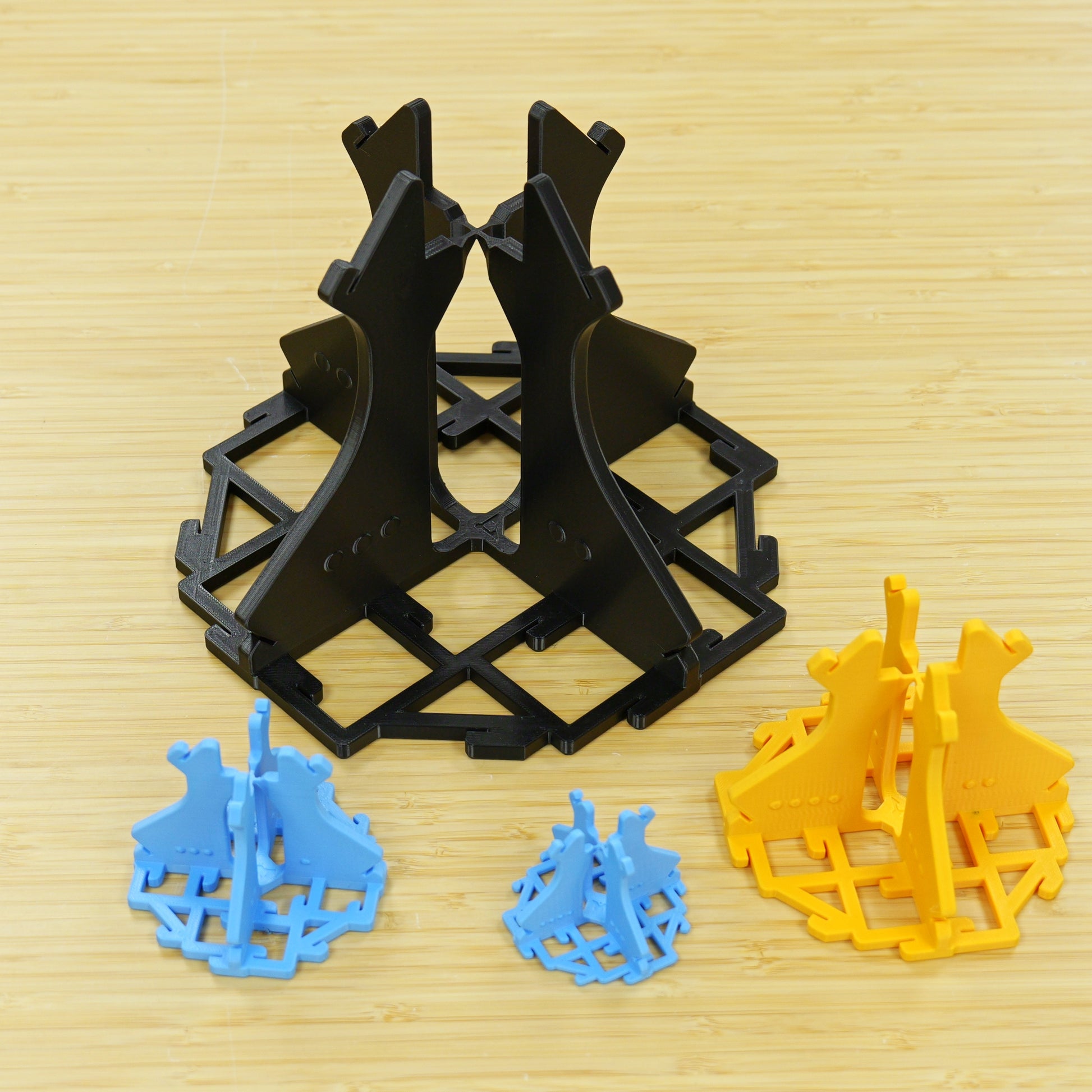
The Vector 3D Calilantern Calibration Tool Mk2 is an STL file and web calculator used to identify and correct printer scale and skew accuracy. Calilantern offers simple step-by-step printer calibration and validation including easy copy-paste commands, 3D view, and results charts.
We no longer offer auto-renew subscriptions. For commercial license, the license will end each year an would need to be re-purchased to continue usage.
Upgrade Discounts
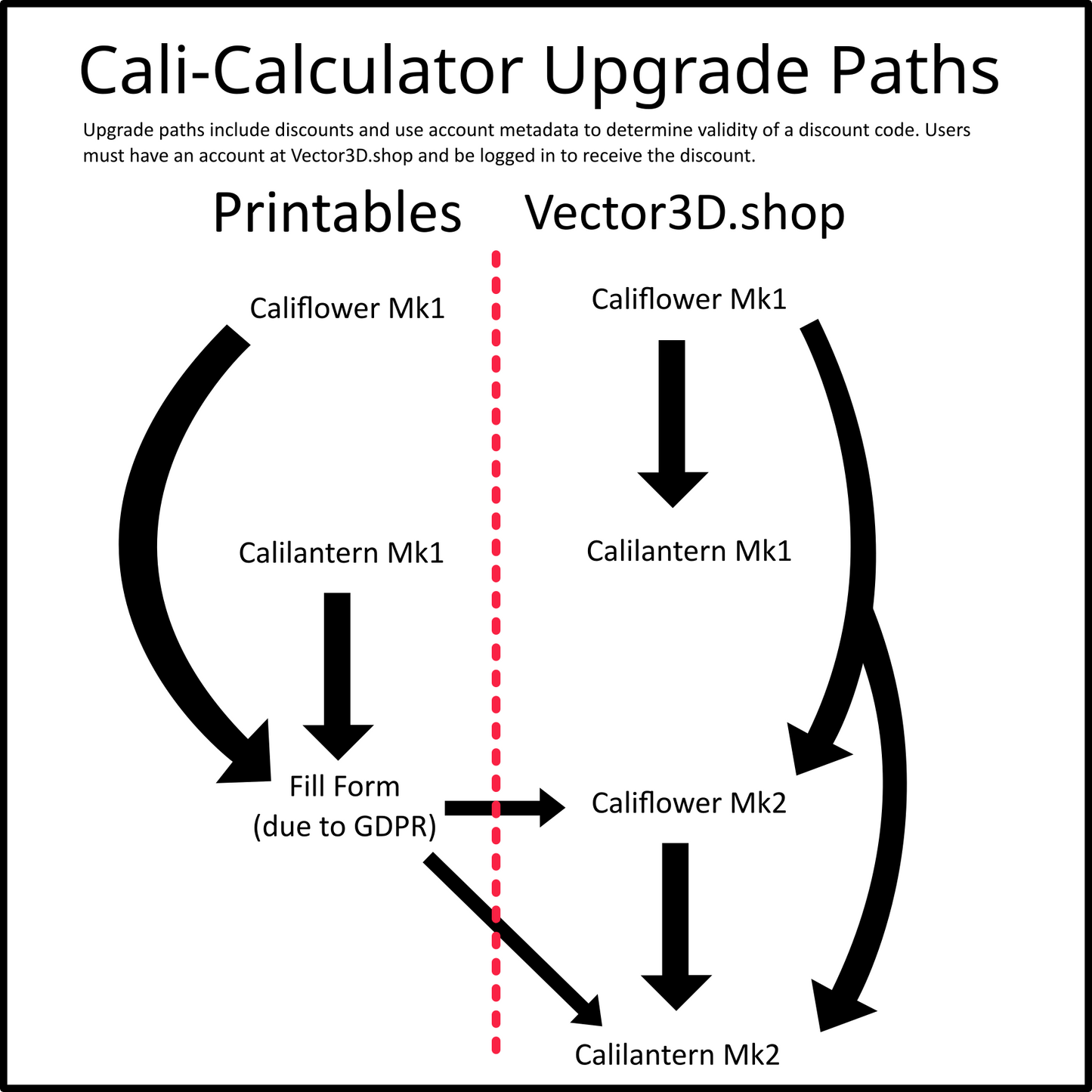
If you purchased a Califlower Mk1, Calilantern Mk1 or Califlower Mk2 directly from Vector3D.shop use the same account and the corresponding code below to get a discount. Codes do not combine, use highest value option, single use. Codes are authenticated on your account.
If you bought Califlower Mk1 use code, upgrd-flwr-mk1, to get £3 off
If you bought Calilantern Mk1 use code, upgrd-lntrn-mk1, to get £4.50 off
If you bought Califlower Mk2 use code, upgrd-flwr-mk2, to get £6 off
Alternatively, If you purchased a Mk1 calculator on Printables.com and would like an upgrade discount, you need to follow a short process so we can access use your Printables.com data to authenticate your purchase. Fill the form and see more info here.
How to Access (After Purchase)
No downloading, just head to the Calilantern page here or click the Calilantern link in the header, and then login.
What's new for Calilantern Mk2?
Calilantern now uses the full Web UI to match the ease of use Califlower Mk2 and added features that come with that such as:
- Instruction filters for Firmware and Slicer to only see what's important to you.
- Rotatable animated 3D view to help with calliper positioning.
- Results charts for clear and easy to understand results.
- Easy Copy-Paste commands for simple correction
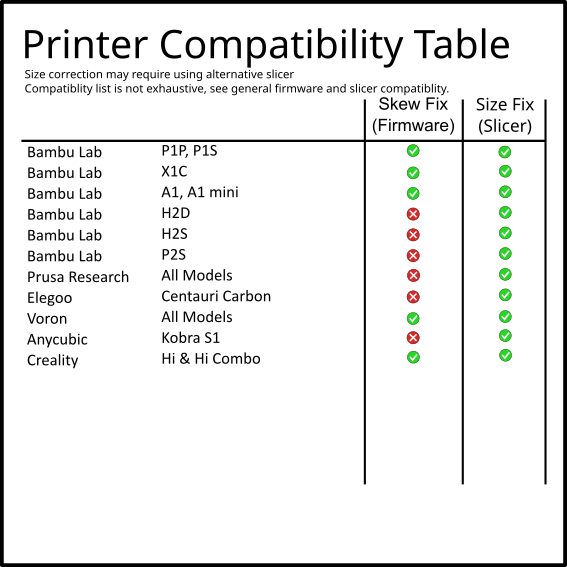
To improve compatibility with more users we added compatibility for two new Klipper firmware variants; RatOS and CrealityOS, plus Bambu Firmware skew support, as well as adding Creality Print and Bambu Studio to the available slicers.
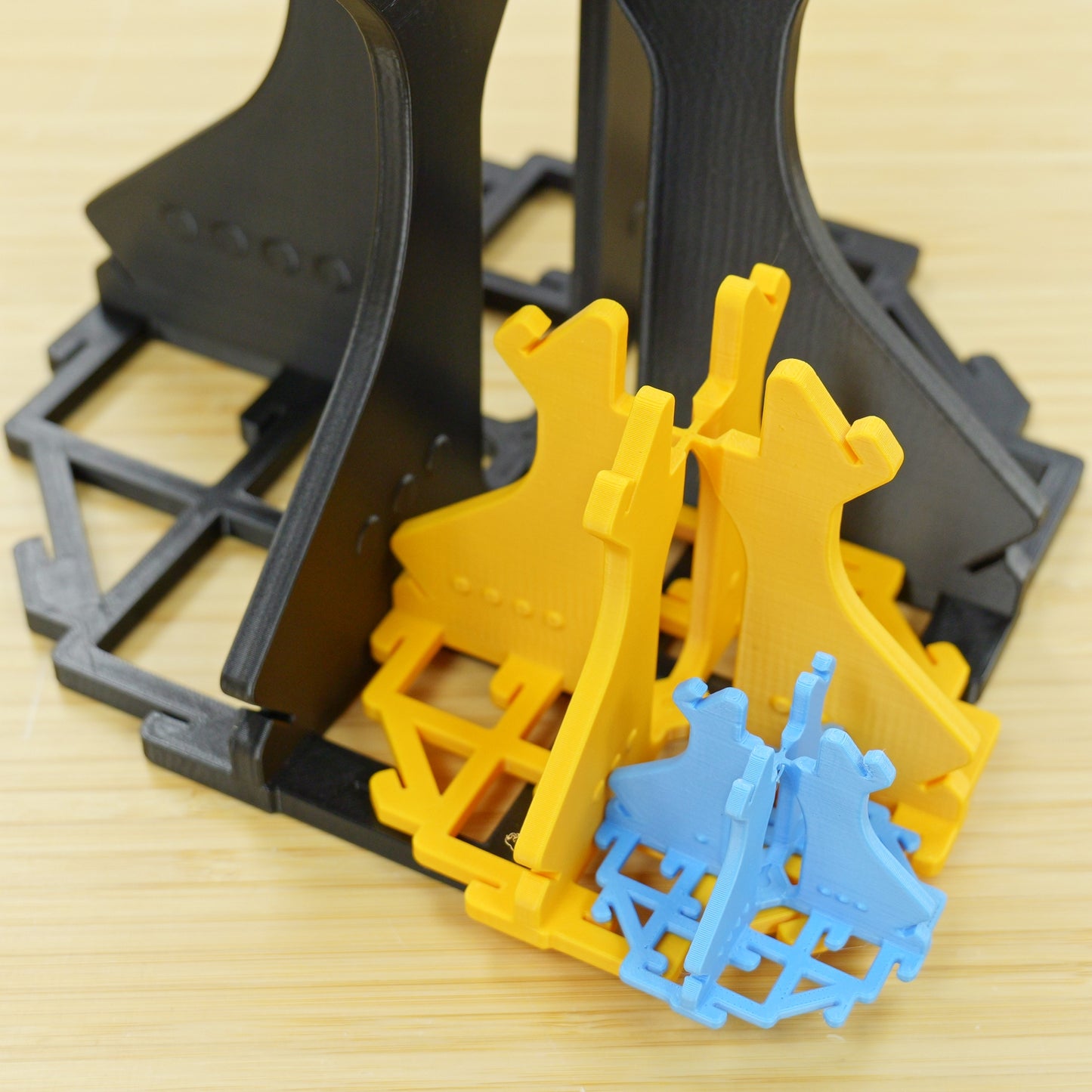
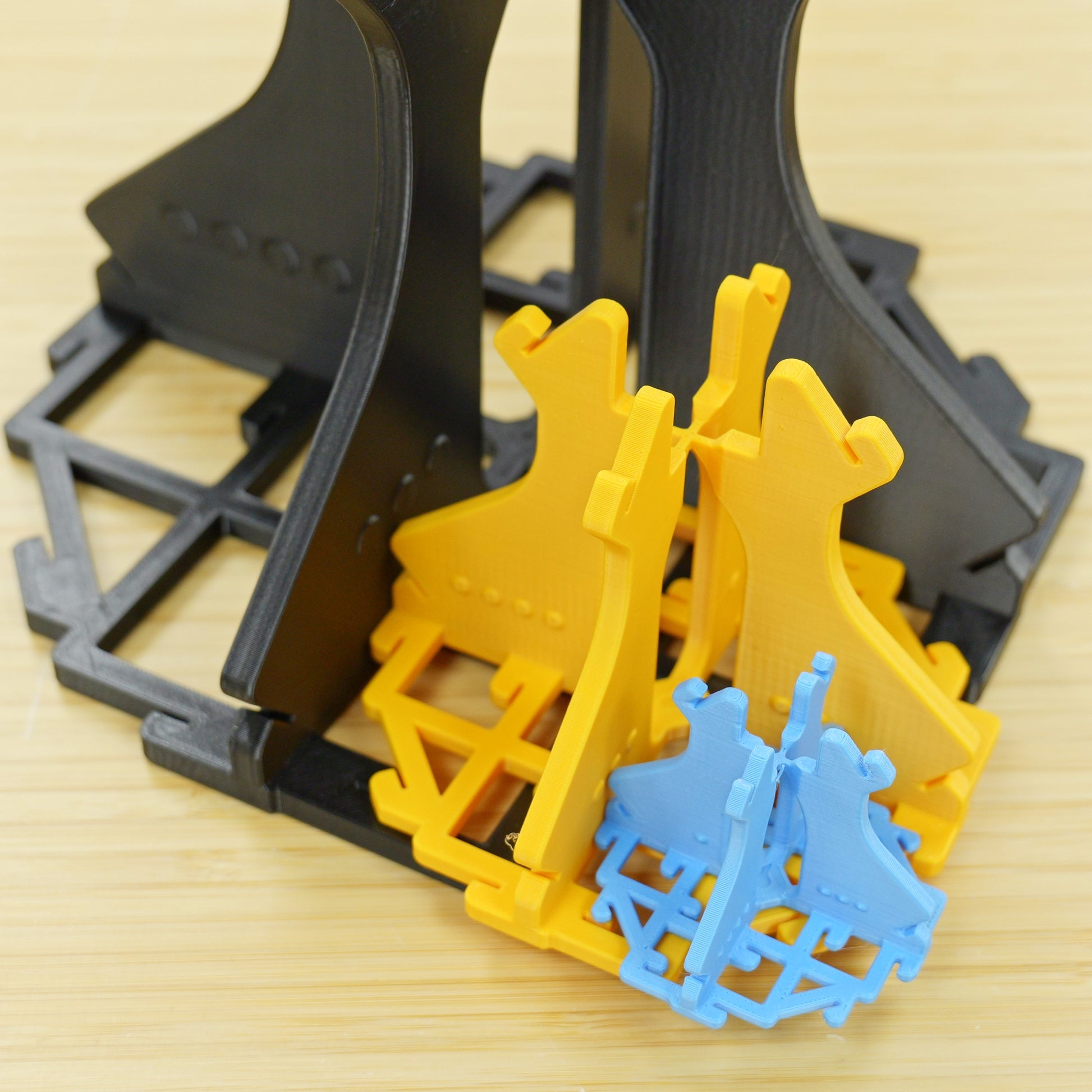
We also made some small adjustments to the STL as well as adding size specific models for larger sizes to improve print time and material efficiency.
Calilantern Vs Califlower
When comparing to Califlower Mk2 Calilantern Mk2 boasts:
- Skew correction on all three planes, XY, ZX and ZY.
- Iterative skew and size calibration for improving accuracy with repeated prints.
These features may sound small, but they can make a huge different to those looking for reliable and accurate prints, especially on a larger scale.
Offline Spreadsheet
We don't have availability for Calilantern MK2 offline just yet, but we are giving you the option to go and download Calilantern Mk1 for free. Login with your account and use this coupon code: calilantern-offline
License Policy
License Policy
Subscription Policy
Subscription Policy
More Info
More Info